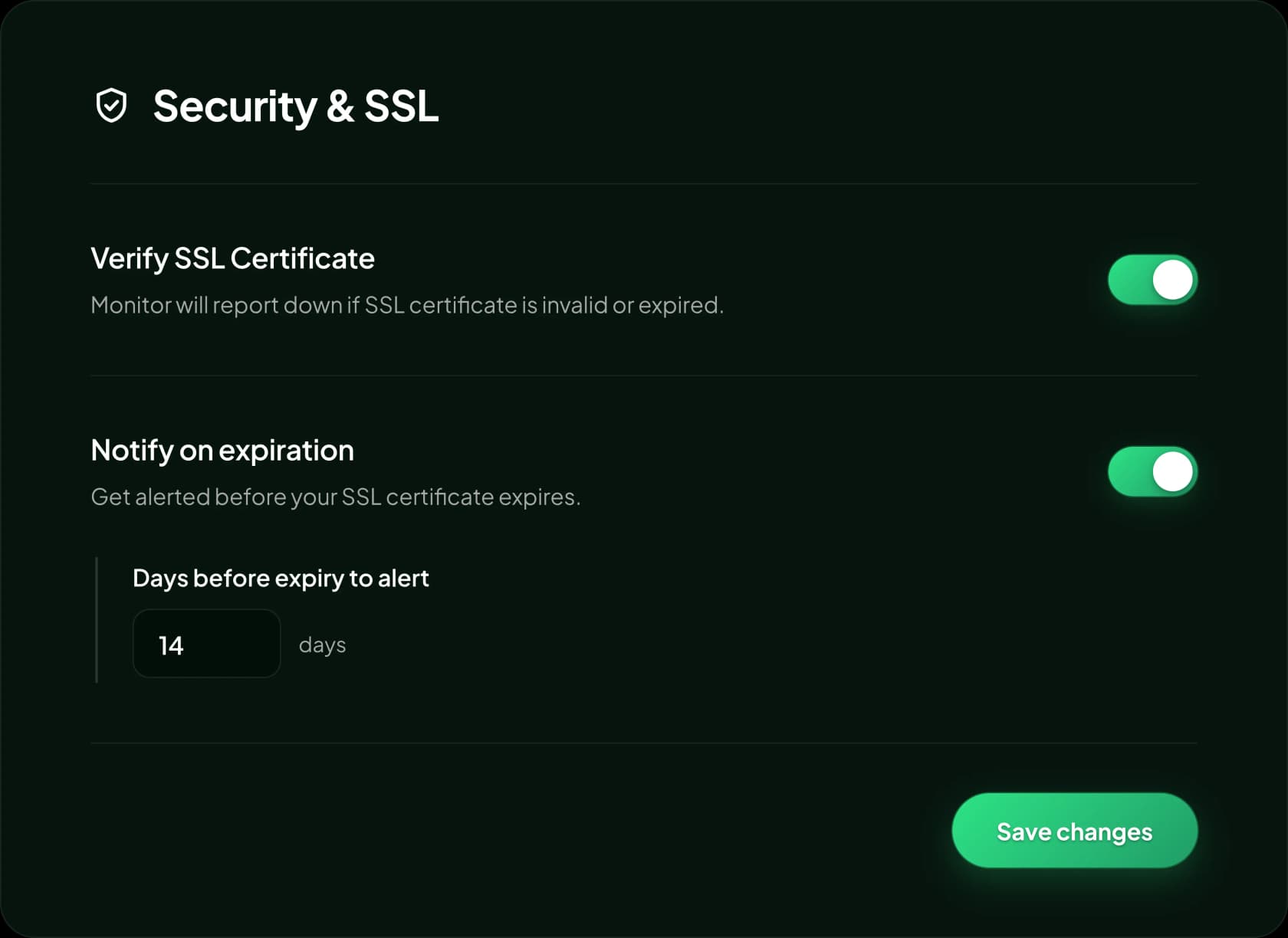
Verify SSL certificate
Notify on expiration
Days before expiry to alert14 days
Expiry reminders on your schedule
Choose how many days before expiry you want to be warned, so there is always time to renew.
Statixoup checks your SSL certificates every day, reminds you before they expire and alerts your team as soon as the daily check finds an invalid certificate. No more browser security warnings or lost customers.
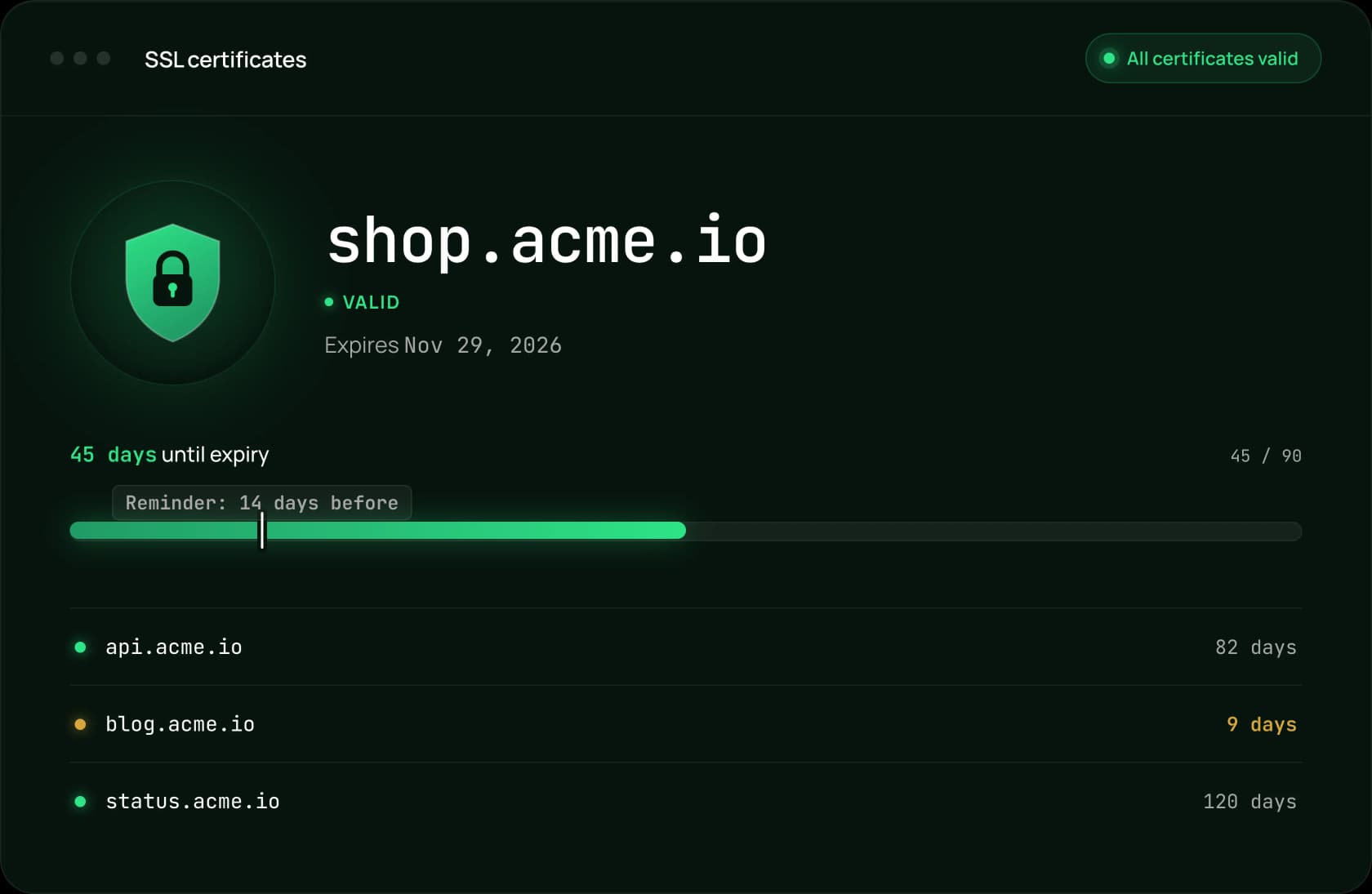
Daily checks, reminders you control and automatic incidents keep your HTTPS working without the guesswork.
Choose how many days before expiry you want to be warned, so there is always time to renew.
Every certificate is checked daily, and you are alerted if it is expired, invalid or can't be verified.
SSL problems open an incident, alert your team and update your status page, then resolve automatically once the certificate is renewed.
An SSL certificate can expire while your server is still running perfectly. Without monitoring, the first warning often comes from an unhappy customer.
Visitors see a full-page "Your connection is not private" error instead of your website.
Checkout, login and payment pages stop working, and most visitors will not click past the warning.
A security error makes your brand look careless, even if it is fixed within hours.
Apps, webhooks and partners that connect over HTTPS start failing as soon as the certificate expires.
SSL monitoring works hand in hand with uptime and performance checks, for every site you run.
Statixoup checks every certificate automatically, every day. No spreadsheets of expiry dates, no calendar reminders to keep up to date.
The same monitor that watches your certificate also tracks uptime, response time and TLS handshake time, so SSL and performance problems are caught in one place.
Add every domain and subdomain you own as a monitor, and SSL checks run for all of them automatically, with nothing extra to set up.
SSL monitoring is built into every website monitor. No extra tools, no agents to install.
Create a website monitor for any HTTPS site in about a minute.
In Security & SSL settings, enable certificate verification and choose how many days before expiry to be alerted.
Get your reminders on the channels you choose, and an alert as soon as the daily check finds an invalid certificate.
Join thousands of developers and founders who receive monitoring tips, product updates, and reliability best practices - no spam, ever.
A short call with our team, set up on your own sites.
Statixoup checks your websites and APIs every 30 seconds and tells you in plain language why something failed. Alerts by email, WhatsApp or voice call.